01
Speaks naturally
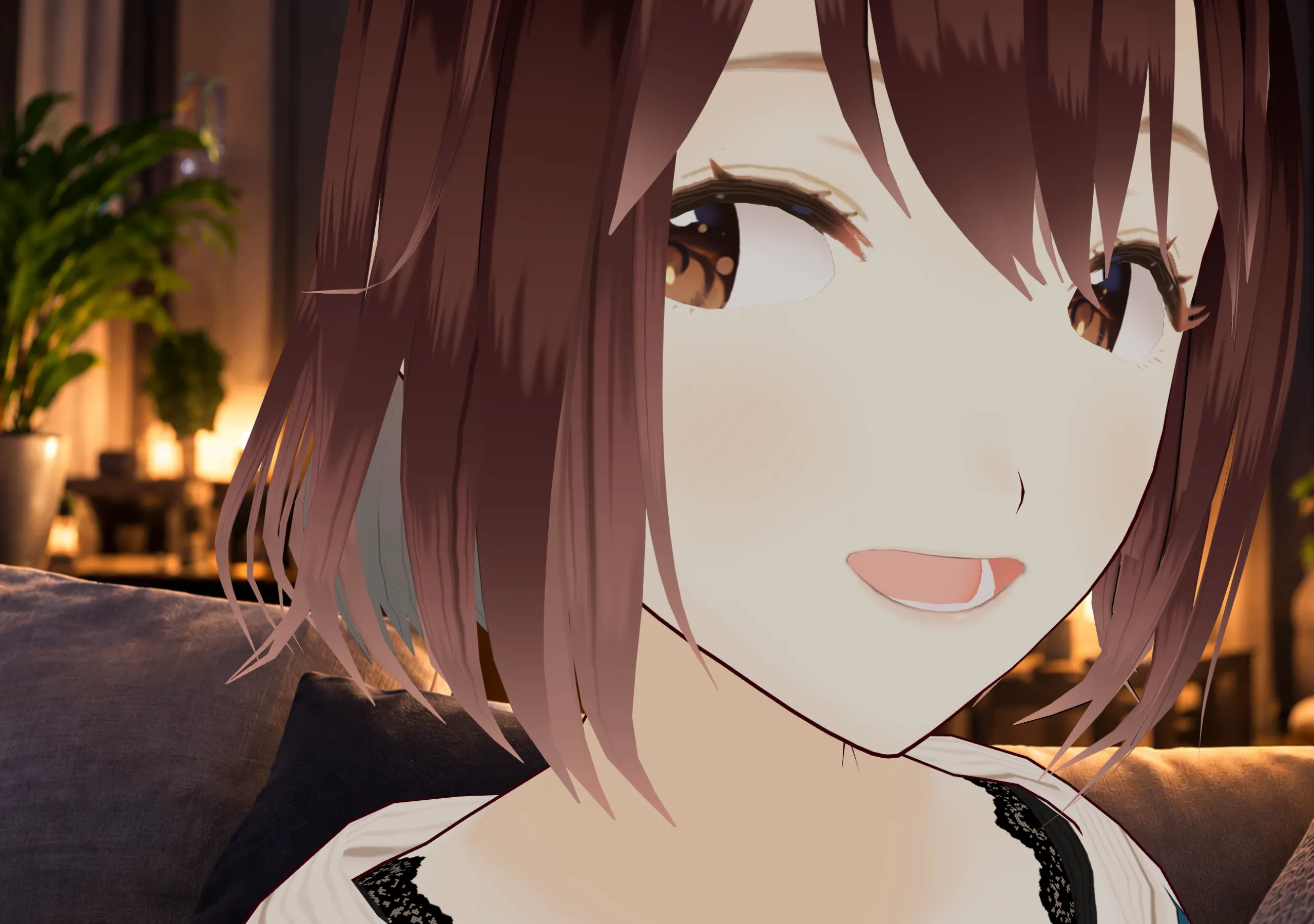
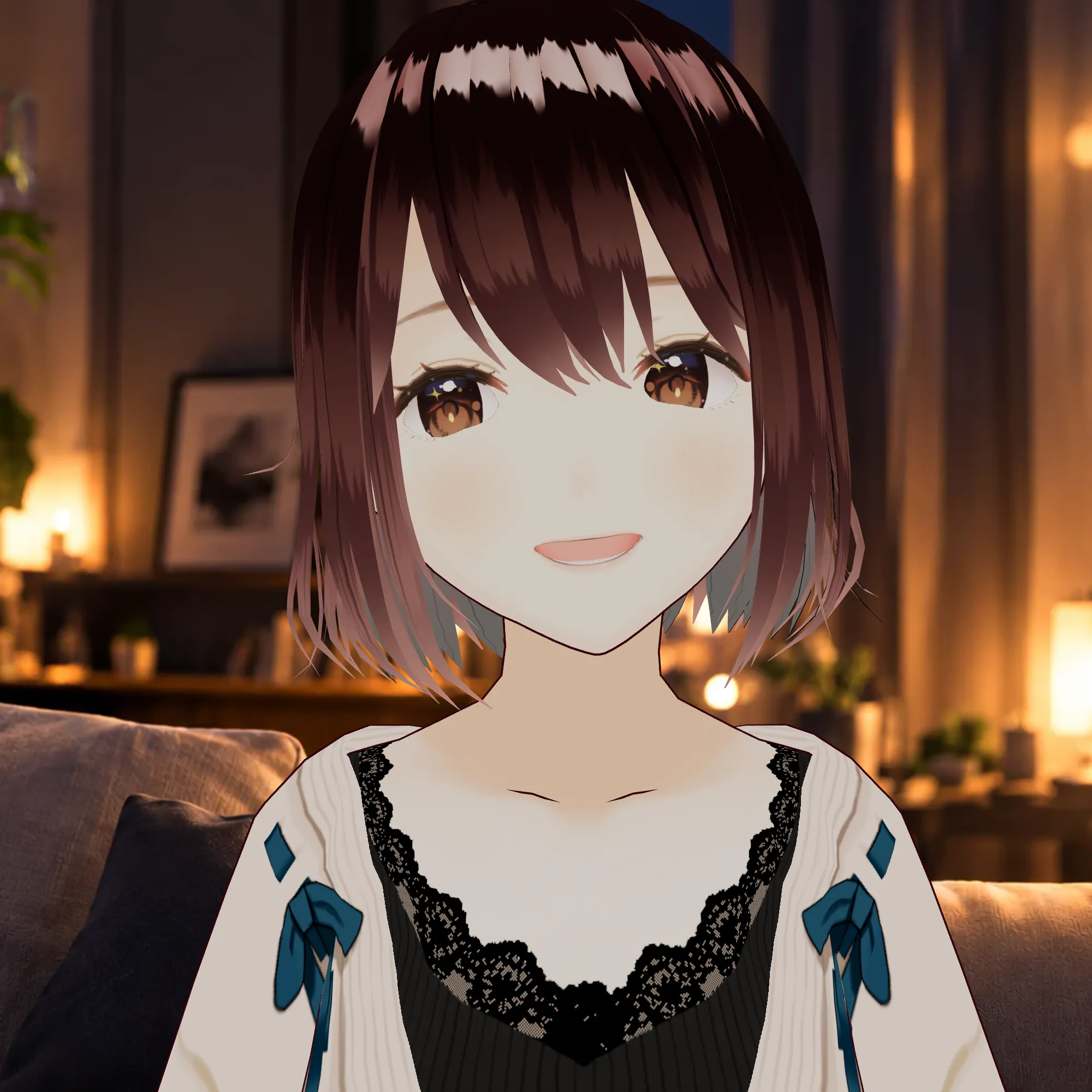
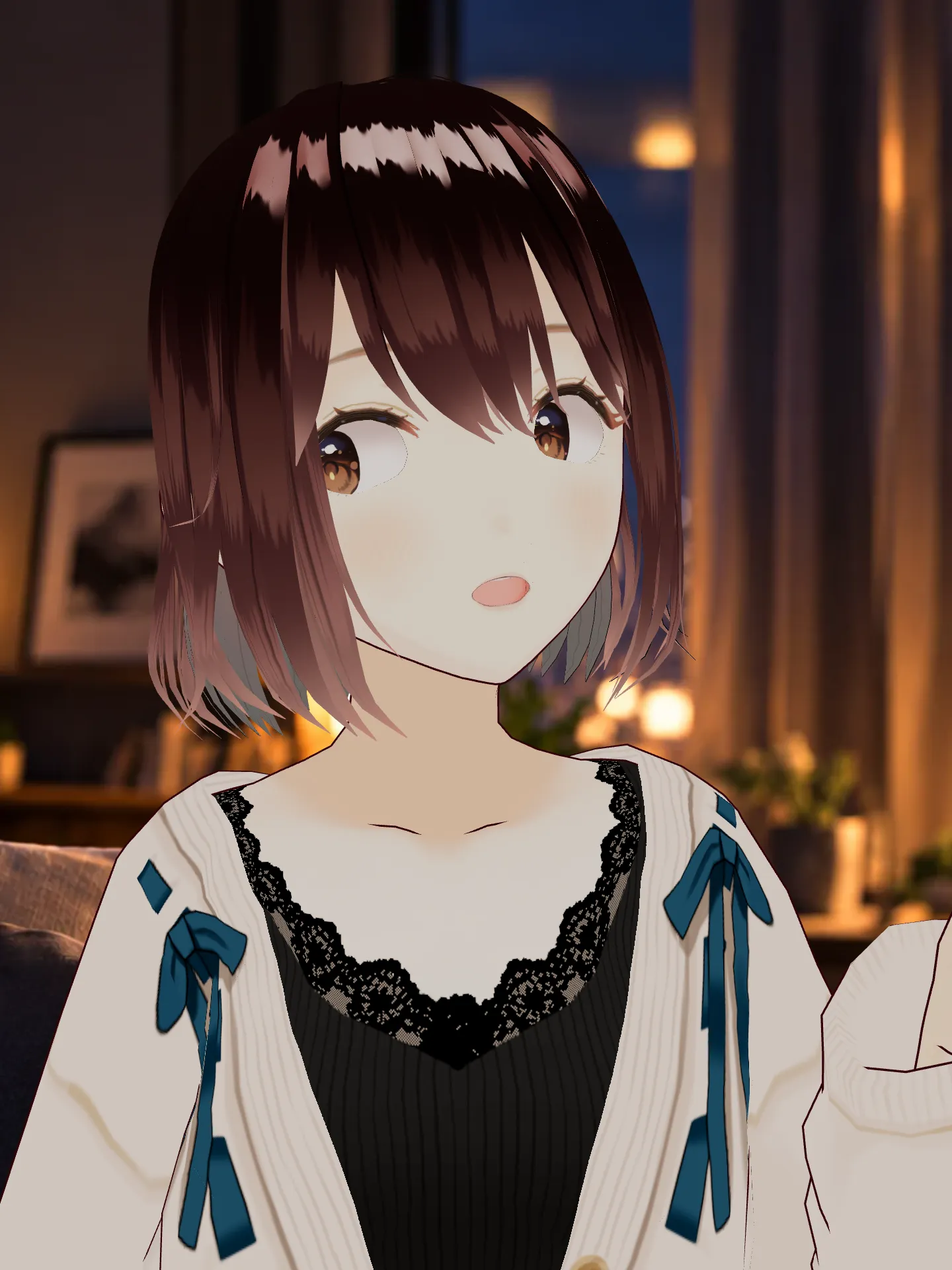
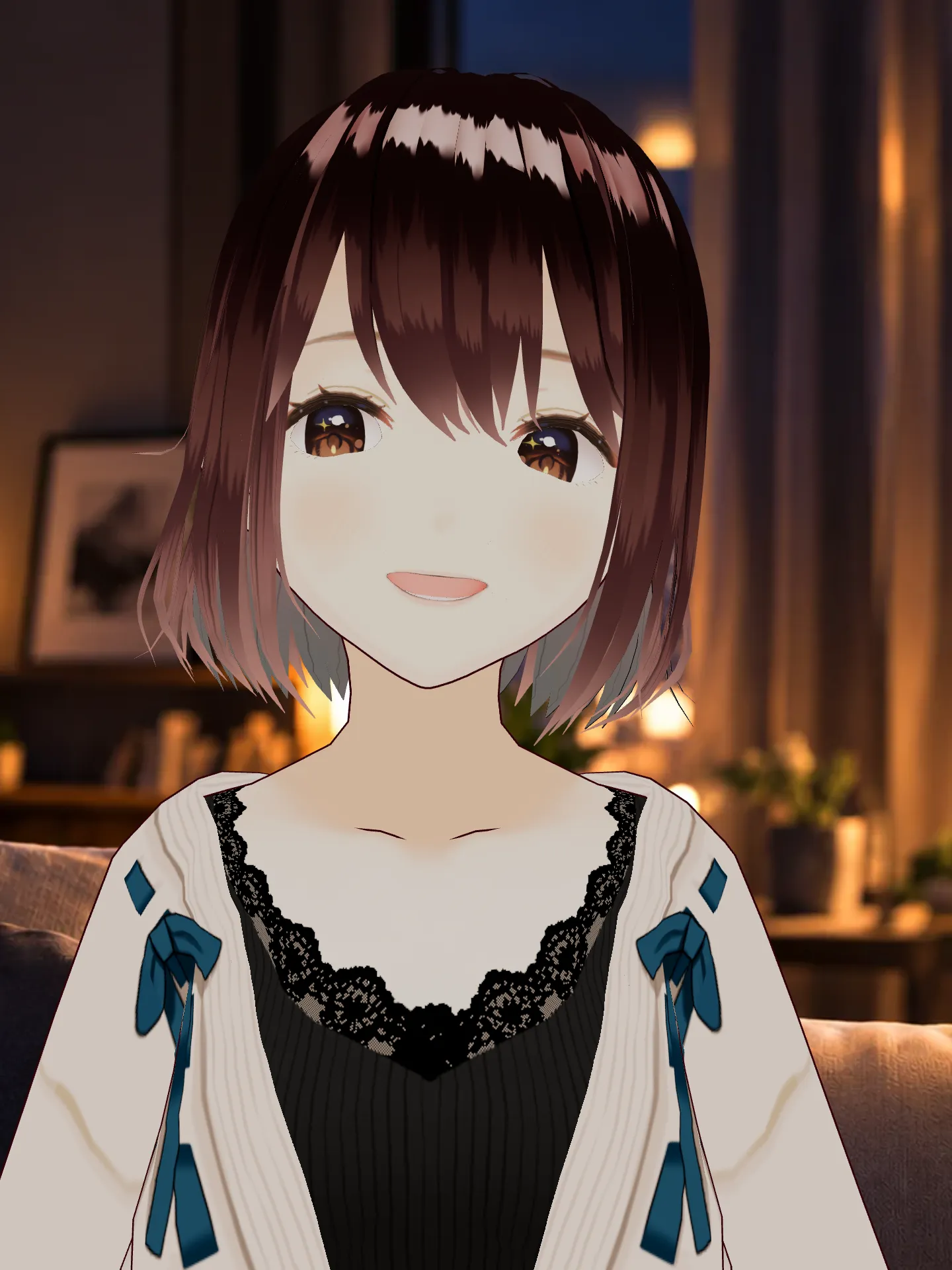
Lip sync, expressions and body movement follow the voice.
Turn ChatGPT Voice into a character that speaks,
listens and reacts to you in real time.
Mobile app: get the download link

Before
A voice behind an orb.

After
A character that speaks, listens and reacts.
Lip sync, expressions and body movement follow the voice.
When you speak or interrupt, the character reacts in real time.
Questions, agreement, emphasis, surprise and other conversational beats become visible.
Eye contact, screen-aware glances, cursor reactions and dynamic camera framing make the character feel part of the conversation.
Add the Chrome extension.
Start a normal voice conversation.
Moviva reacts to the conversation in real time.
Moviva processes ChatGPT audio, optional microphone audio and reply analysis locally on your device. Raw audio and reply text are not uploaded, recorded or stored by Moviva.

Voice analysis and avatar behaviour run on your device.

Raw audio and reply text are not stored by Moviva.

Screen attention uses element geometry and pointer position rather than storing page content.

Install it and use it with your existing ChatGPT access.

Your conversation

Processed locally

Reacts in real time
Give ChatGPT a face.
 Install Moviva Free
 More characters · Upload your own VRM
Character profiles.
One-time purchase. Yours forever.
Tap a character to see more poses
 Get Moviva Plus — €19.99
 Plus includes the default character and six more.

From the ChatGPT Voice orb to a living character in a real conversation.
Yes. Moviva is designed for ChatGPT Voice on chatgpt.com in Chrome on desktop.
Moviva processes audio locally. It does not record or upload raw audio or store reply text. Optional microphone access enables reactions when you speak. Your conversation itself stays with ChatGPT, on OpenAI’s side.
Moviva does not provide ChatGPT access. ChatGPT Voice availability and usage limits are controlled by OpenAI; use the access available in your ChatGPT account.
Chrome desktop version 116 or later is the launch platform. Safari, Firefox and mobile browsers are not supported at launch.
Yes, with Moviva Plus you can upload a compatible VRM model. Compatibility with every VRM is not guaranteed; you must have the necessary rights to use your model.
No. Moviva is an independent product, not affiliated with, endorsed by or sponsored by OpenAI.
Mobile app: get the download link